What Is cm/360 in Mouse Sensitivity?
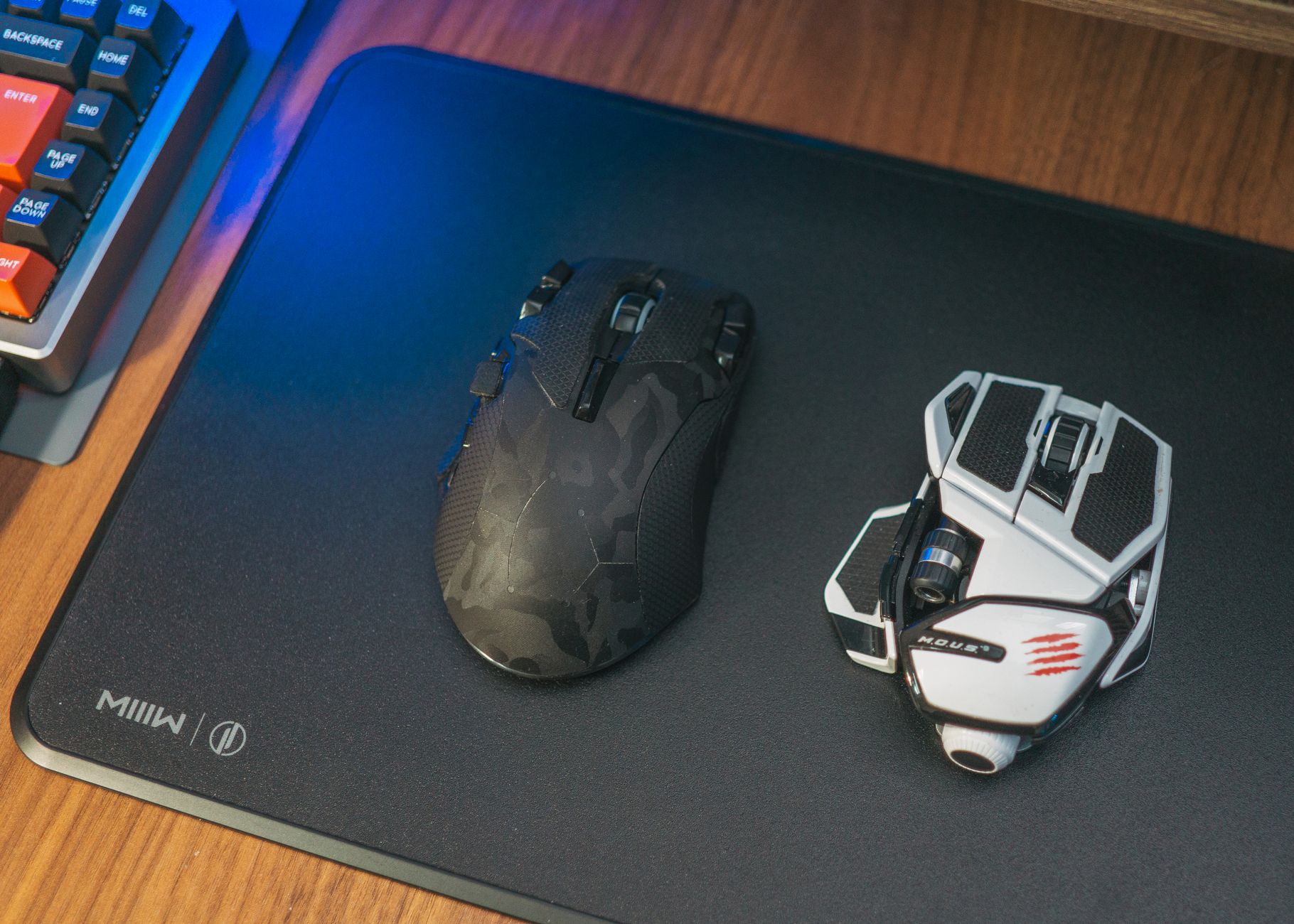
cm/360 is the physical distance your mouse must travel to rotate your in-game view by one full 360-degree turn. If your setup is 40 cm/360, moving the mouse 40 centimeters across the pad should bring your crosshair back to the same direction.
That makes cm/360 a physical measurement, not just another game setting. It helps you compare sensitivity across games because it starts with your hand movement. A raw sensitivity value does not do that. A value of 2.0 can feel slow in one game and fast in another.
For the full conversion process, start with the mouse sensitivity conversion guide. This page focuses on the cm/360 idea itself, then points you to how sensitivity conversion works, eDPI vs cm/360, and how to measure cm/360 manually.
TL;DR
- cm/360 is the mousepad distance needed for one full turn.
- Lower cm/360 is faster. Higher cm/360 is slower.
- It is better than raw sensitivity for cross-game comparison.
- It still depends on game input, yaw, FOV context, and slider precision.
What Does cm/360 Mean?
cm/360 means "centimeters per 360-degree turn." Put plainly, it answers one question: how far does your hand move before your view spins once around? If the answer is 32 cm, your sensitivity is 32 cm/360.
This works because aiming is physical. You do not move a number on a settings screen. You move a mouse across a surface. The game then translates that movement into camera rotation.
The useful part is that cm/360 separates the player's physical habit from the game's settings language. One game may use 0.7 sensitivity, another may use 3.1, and another may use a percentage slider. If all three land near the same cm/360, your hand is doing roughly the same amount of work.
In 2026, PC gaming is still mostly happening on Windows among Steam survey respondents: the Steam Hardware & Software Survey for June 2026 reports Windows at 94.10% and Windows 11 64-bit at 70.44% among participating Windows users (Valve, Steam Hardware & Software Survey June 2026, 2026). That matters because many players are converting settings inside Windows-based FPS setups where mouse input options, raw input, and device settings can affect feel.
cm/360 is a physical sensitivity measure that describes centimeters of mouse movement per full in-game turn. Unlike in-game sensitivity numbers, it can compare different games because it measures the outcome of mouse movement rather than the label a game uses for its slider.
Why Is cm/360 Useful Across Games?
cm/360 is useful because most FPS games do not share the same sensitivity scale. A single in-game number is only meaningful inside that game's own input system. cm/360 gives you a shared physical target when moving from one title to another.
Think of it like converting currencies. The number printed in the settings menu is the local currency. cm/360 is the amount of physical movement you are trying to preserve.
For example, you might like 45 cm/360 in a tactical shooter. If you try a different FPS, you can use a converter to find the new in-game value that gives the same full-turn distance. That gives your hip-fire turn distance a known starting point.
This is why how mouse sensitivity conversion works starts with game scale and physical output. It is also why eDPI vs cm/360 matters: eDPI is easy inside one game family, but cm/360 is the cleaner cross-game comparison.
Is Lower cm/360 Faster or Slower?
Lower cm/360 is faster. If you need only 20 cm to turn 360 degrees, small hand movements rotate the camera more. Higher cm/360 is slower because you need more mousepad travel for the same turn.
Here is the practical read:
| cm/360 direction | What it means | Physical feel |
|---|---|---|
| Lower cm/360 | Less distance for a full turn | Faster |
| Higher cm/360 | More distance for a full turn | Slower |
| Same cm/360 | Same full-turn distance | Similar hip-fire baseline |
The word "faster" can get slippery because players also talk about flick speed and control. cm/360 only describes physical turn distance. It does not say whether the setting is good for you.
When players say a converted sensitivity feels "close but not right," the first check should be physical distance. If the cm/360 is matched, the remaining difference usually comes from FOV, ADS scaling, acceleration, input method, or the game rounding the sensitivity value.
How Do You Calculate cm/360?
cm/360 is calculated from the game sensitivity system, mouse DPI, and the game's rotation scale. In plain English, the calculator asks: with this DPI and game sensitivity, how much physical mouse travel creates 360 degrees of camera rotation?
The safest workflow is:
- Pick the game you know best.
- Enter your mouse DPI and in-game sensitivity.
- Let the converter find the resulting cm/360.
- Use that cm/360 as the target for another game.
- Test the result with a manual 360 turn.
The game-specific part often includes yaw, which is the rotation amount associated with mouse input in that game. If that sounds abstract, read what yaw means in mouse sensitivity after this article.
Do not guess exact yaw values from memory unless they are verified for the specific game and version. A converter should disclose its assumptions, especially when a game has unusual scaling or limited slider precision.
How Is cm/360 Different From eDPI?
cm/360 describes physical distance. eDPI describes a sensitivity product inside one game family: eDPI = mouse DPI x in-game sensitivity. Both can be useful, but they answer different questions.
If you and another player use the same game, eDPI can be a quick comparison. For example, 800 DPI x 0.5 sensitivity gives 400 eDPI. But that 400 eDPI does not automatically mean the same thing in a different game.
cm/360 is better when the question is cross-game feel. It tells you how far the mouse moves on the pad, which is the thing your hand actually learns. eDPI tells you how a DPI setting and a game-specific sensitivity number multiply together.
Use eDPI when comparing players inside one game with the same sensitivity scale. Use cm/360 when moving between games, aim trainers, or setup notes that use different sliders.
How Do You Measure cm/360 Manually?
You can measure cm/360 manually with a ruler, a clear starting point, and a controlled 360-degree turn in game. The goal is not lab-grade precision. The goal is to confirm that your real setup matches the converted value closely enough.
The short version:
- Put your mouse at a marked start line.
- Aim at a fixed object in game.
- Move horizontally until your view completes one full turn.
- Measure the distance your mouse traveled.
- Repeat a few times and average the result.
Small errors are normal. Your hand may arc slightly, and the game may round the sensitivity value. For a full process, use how to measure cm/360 manually.
What Can Make cm/360 Feel Wrong?
cm/360 can be correct while the game still feels different. FOV, ADS multipliers, scoped sensitivity, raw input, mouse acceleration, and frame pacing can all change moment-to-moment feel.
In 2026, MDN describes Pointer Lock as a browser API suited to first-person 3D games because it gives access to raw mouse movement, while noting that operating-system mouse acceleration is enabled by default and raw input can be requested with unadjustedMovement (MDN, Pointer Lock API, 2026). The caveat is useful: the path from hand movement to camera movement can include more layers than the game slider.
Microsoft's Raw Input documentation says Raw Input provides direct device data and can distinguish between devices (Microsoft Learn, Raw Input Overview, 2026). That supports the practical advice to check whether a game uses raw input or has acceleration options when a conversion feels off.
A cm/360 match is a strong baseline, not a complete promise of identical aim feel. Input mode, acceleration, FOV, ADS scaling, and game-specific rounding can make two games feel different even when the hip-fire 360 distance matches.
Related Reading
- Start with the complete mouse sensitivity conversion guide for the full conversion process.
- Learn the calculator logic in how mouse sensitivity conversion works.
- Compare units in eDPI vs cm/360.
- Verify your setup with how to measure cm/360 manually.
Frequently Asked Questions
What does cm/360 mean?
cm/360 stands for centimeters per 360-degree turn. It is the distance your mouse travels on the pad to rotate your in-game view exactly once around. It is useful because it turns sensitivity into a physical measurement.
Is lower cm/360 faster?
Yes. A lower cm/360 means less hand movement for a full turn, so 30 cm/360 is faster than 50 cm/360. Neither is automatically better; the right value depends on your control, desk space, and game style.
Can cm/360 compare different games?
Yes, if both games expose stable mouse input and the conversion accounts for each game's sensitivity scale.
Is cm/360 better than copying a pro player's sensitivity?
Usually, yes. A pro setting may be interesting, but cm/360 tells you what your own hand movement is doing. If you copy a setting without matching DPI, game scale, and physical comfort, you may copy the number without copying the useful result.